

How to Manage a Busy Family Schedule Without Losing Your Mind
Between school pickups, sports practice, dentist appointments, and that one birthday party you keep forgetting about, managing a family schedule can feel like air-traffic control without the radar. The good news: a few deliberate habits can turn chaos into calm.
Why Most Family Calendars Fail
The problem is rarely the calendar itself. It is the process around it. Families run into trouble when:
- Only one parent knows the full picture
- Events live in different places (phone, fridge, group chat)
- Nobody checks the calendar until it is too late
- Changes are communicated verbally and then forgotten
The single biggest improvement you can make is giving every family member visibility into one shared calendar that updates in real time.
That is exactly why we built HomeCalendar. But even without our app, the principles below will help.
Step 1: Consolidate Everything Into One Place
Pick a single calendar system and commit to it. Whether you use Google Calendar, Apple Calendar, or HomeCalendar, the key rule is simple: if it is not on the shared calendar, it does not exist.
What to Include
Every recurring or one-off event should go on the calendar:
- School drop-off and pickup times
- Extracurricular activities and sports
- Medical and dental appointments
- Work travel or late meetings that affect pickup duties
- Social events and playdates
- Deadlines for permission slips, registrations, and payments
What to Leave Off
Not everything has to be on HomeCalendar but In our house almost everything goes on the HomeCalendar. Some might desire to Keep these separate:
- Personal work meetings (use your work calendar)
- Tentative plans that have not been confirmed
- Aspirational tasks like "organize the garage" (use a to-do list instead)
Step 2: Assign a Color to Each Family Member
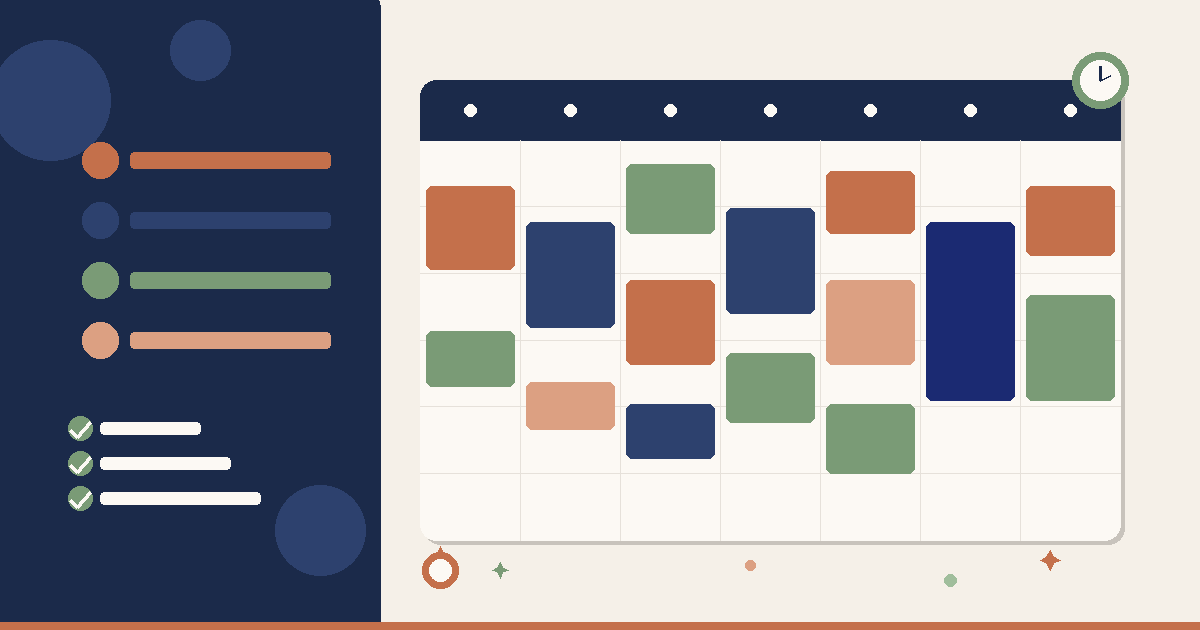
Color coding is the fastest way to scan a crowded calendar and understand who is doing what. In HomeCalendar, every family member gets their own color automatically. If you are using another tool, set it up manually.
Example Color Scheme
| Family Member | Color |
|---|---|
| Mom | Blue |
| Dad | Green |
| Older Child | Purple |
| Younger Child | Orange |
When you open the weekly view, you can instantly see if one person is overbooked or if there is a conflict between two events.
Step 3: Build a Weekly Review Habit
The calendar only works if people look at it. Set aside ten minutes every Sunday evening to review the upcoming week as a family. Here is a simple agenda:
- Walk through each day of the week
- Confirm who is handling pickups and drop-offs
- Flag any conflicts or double-bookings
- Add any missing events
This one habit eliminates 90% of the "I didn't know about that" moments.
Families who do a weekly calendar review report significantly fewer scheduling conflicts and less day-of stress. It takes ten minutes and saves hours of scrambling.
Step 4: Set Smart Reminders
Reminders are your safety net. Configure them strategically:
- 24 hours before for events that require preparation (packing a bag, buying supplies)
- 1 hour before for events you need to leave for
- At event time for things that happen at home (virtual meetings, deliveries)
In HomeCalendar, you can set different reminder preferences for each family member, so the person responsible for the event gets notified without spamming everyone else.
Pro Tip: Use Travel Time Buffers
If soccer practice starts at 4:00 PM and the field is 20 minutes away, create the event from 3:30 PM to 5:30 PM. This prevents someone from scheduling a 3:45 PM call that would make you late.
Step 5: Handle Changes Gracefully
Plans change. Practice gets canceled. The dentist reschedules. The key is having a system for communicating changes:
- Update the calendar immediately when you learn about a change
- Use the calendar's notification feature so affected family members see the update
- Do not rely on verbal communication alone for schedule changes
Bad:  "Hey, I moved the dentist to Thursday."
Good: [Updates calendar → notification sent → everyone sees it]
This removes the burden of remembering to tell everyone and the risk of someone not getting the message.
Step 6: Protect Family Time
It is easy to fill every slot on the calendar. Resist. Deliberately block time for:
- Family dinners (even two or three per week makes a difference)
- Unstructured play time for kids
- Date nights or parent-only time
- Buffer blocks between activities so you are not always rushing
Scheduled free time sounds contradictory, but it is the only way to make sure it actually happens.
Putting It All Together
Here is a quick checklist to get started this week:
- Choose one shared calendar tool
- Add all known events for the next two weeks
- Assign colors to each family member
- Set up reminders for the most important events
- Schedule a 10-minute weekly review for Sunday evening
- Block at least two family-time slots per week
Managing a family schedule will never be effortless, but it can absolutely be manageable. The families who succeed are not the ones with fewer activities -- they are the ones with better systems.
Ready to simplify your family's scheduling? Try HomeCalendar free for 14 days and see the difference a shared, color-coded calendar makes.
Ready to organize your family's schedule?
Bring all your family calendars together in one place. Free to start, no credit card required.
You Might Also Like




Get Weekly Family Organization Tips
Join busy parents getting practical advice delivered to their inbox.
HomeCalendar Team
Content Team
The HomeCalendar team is dedicated to helping families stay organized and connected.